Engineering and Developers Blog
What's happening with engineering and developers at YouTube
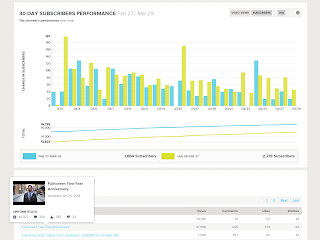
Find the hidden patterns with YouTube’s new Analytics API
Friday, May 10, 2013
Trying to figure out how YouTube’s
one billion monthly users
are interacting with your videos? Try the
new YouTube Analytics API
to get custom reports of the YouTube statistics you care about in a direct JSON or CSV response, perfect for dashboards and ad hoc reports.
The new API includes all the standard
view
and
engagement
metrics you would expect, including views, shares, and subscriber numbers. Compared to the previous
Insight Data API
, you also get:
Watch metrics
: Track estimated minutes watched across channel, content owner, or video, and dive into the video details with average view time and average view percentage.
Earning performance metrics
: Track estimated earnings (net revenue) from select advertising sources across your content.
Ad performance metrics
: Break down video performance with monetized playbacks, ad impressions, gross revenue, and cost per impression reports.
Annotation metrics
: Optimize overlays/annotations with click through and close rate metrics.
Client Libraries and Code Samples
You’ll find
client libraries
for the languages you use most, with nine different languages available today. You can also make HTTP RESTful requests directly, and with our
API Explorer
, you can try out sample reports before writing any code.
Don’t write your code from scratch! Get started with
code examples
in Java, JavaScript, Python, and Ruby. If you want a step-by-step walkthrough of building a complete web application, have a look at our
JavaScript exercise
.
App Examples
Check out some apps that are already using the API:
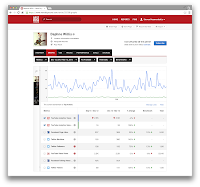
Next Big Sound
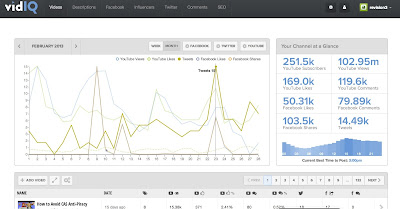
VidIQ
Next Big Sound
provides analytics and insights for the music industry by tracking billions of social signals including YouTube. This enables record labels, artists, and band managers to make better decisions on everything from promotion strategies to tour locations.
vidIQ
is an audience development suite that works with global brands to organically grow their views and subscribers. Their features include cross-platform social analytics, advanced comment management, SEO tools, social syndication and influencer identification.
Wizdeo
Vidyard
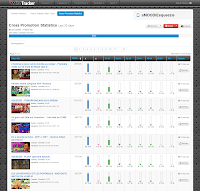
Wizdeo’s WizTracker
provides in-depth analysis of YouTube channels to help with cross promotion and video comparisons during their initial launch. Users get access to detailed analytics about views, subscriber engagement, traffic sources and demographics.
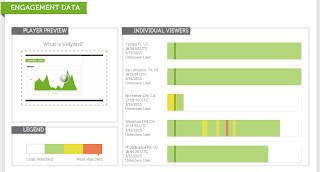
Vidyard
is a video marketing platform. With powerful analytics, built-in marketing tools, and integration with key marketing automation platforms, Vidyard helps marketers drive results with video content.
Fullscreen
Fullscreen
is building a global network of YouTube channels with content creators and brands. Fullscreen provides a full suite of end-to-end YouTube tools and uses the new API for internal, business-intelligence tools.
Learn More
In addition to the
documentation
, check out our Analytics API
playlist
to make getting started even easier.
If your goal is to export all statistics for a large number of channels on a recurring basis for your data warehouse, look forward to using the upcoming scheduled reports feature of the API, expected to launch later this year.
To get more info on the YouTube APIs, subscribe to our
YouTube for Developers’ channel
and
YouTubeDev
on Google+.
Cheers,
--
Ted Hamilton
,
Christoph Schwab-Ganser
, and the YouTube Analytics API Team
We’re going live from Google I/O
Thursday, May 9, 2013
By Mike Winton, Director of Developer Relations
(Cross-posted from the
Google Developers Blog
)
At
Google I/O 2013
, we will share the future of our platforms with you. Developers from all over the world are the key innovators of powerful, breakthrough technologies, and that’s why we challenged ourselves to make the Google I/O experience available to every developer, everywhere.
Watch Google I/O live
From the comfort of your own home, office, secret lair, or anywhere you have a reliable Internet connection, you can stream Google I/O May 15-16 live. Brought to you by Google Developers Live (
GDL
), the
Google I/O homepage
will become the
GDL at I/O
live streaming hub starting on May 15th at 9:00 AM PT (16:00 UTC). From this page, you can:
Stream 4 channels of technical content on your computer, tablet, or phone.
You’ll feel like you’re right there in the keynote and session rooms, listening to product announcements straight from the source. Live streaming will run on
developers.google.com/io
from 9 AM PT (16:00 UTC) to 7 PM PT (2:00 UTC) on May 15 and 16.
Watch exclusive interviews with the Googlers behind the latest product announcements.
This year,
GDL
will be on site, broadcasting one-on-one product deep dives, executive interviews, and Sandbox walkthroughs from the GDL stage.
Get the latest news in real-time.
We’ll be posting official announcements during I/O. You’ll be able to see the feed on the
Google I/O homepage
, in the I/O mobile app (coming soon), and on
+Google Developers
.
Never miss a session.
All Google I/O technical sessions will be recorded and posted to
GDL
and the
Google Developers YouTube channel
. Subscribe to our YouTube channel for archived session updates.
Live blog the keynote
Grab our
live blogging gadget
to add the keynote live stream to your own site or blog. Customize the gadget with your site or blog name, live blog alongside real-time Google announcements, and share a dynamic Google I/O experience with your readers. Have questions? For more info, check out our
live blogging gadget FAQ
.
Get together locally
Experience Google I/O with your local developer community by hosting or attending an
I/O Extended
event. If you’re hosting,
register here
and learn how to hold a totally epic event with our handy
Organizer Guide
. Otherwise, with over 400 sites in 90+ countries, chances are good that there is an I/O Extended event near you.
Find an event now
!
And before I/O, tune in to
Google Developers Live programming
to connect with Google engineers, prep for this year’s event, and browse our archived content. For official conference updates, add
+Google Developers
to your Circles, follow
#io13
for big announcements, join the Google I/O community, and keep an eye on
the Google I/O site
.
Mike Winton
founded and leads Google's global Developer Relations organization. He also enjoys spending time with his family and DJing electronic music.
Streaming to YouTube Live? Put an API on it!
Thursday, May 2, 2013
The
YouTube Live Streaming API
makes it easier to build tools and apps for channels that are enabled to stream live content on YouTube. With the YouTube Live platform, you have the ability to real-time transcode to a range of video qualities that support a broad set of devices and networks, dynamic bandwidth adjustment so viewers automatically see the highest quality stream their network supports, and DVR-like controls to allow viewers to pause, fast forward, and rewind during a live stream.
How to start developing with live streams
The basics
A
broadcast
represents a live event that you'll stream on YouTube. The API lets you schedule a broadcast, bind it to your live video stream, and update its status to
testing
,
live
, or
complete
.
A
stream
represents the actual broadcast content.
A
cuepoint
represents an ad break that can be inserted into a live broadcast. Cuepoints are only available to YouTube content partners.
Documentation
The
Getting Started
guide explains these concepts in more detail and explains how they interact with other YouTube Data API and YouTube Content ID API resources.
The
Life of a Broadcast
guide
walks you through the typical steps for creating and managing a live broadcast on YouTube.
The
YouTube Live Streaming Guide
identifies the encoder settings, bitrates, and resolutions that the YouTube Live Streaming platform supports.
Samp
le code and tools
Client libraries
for many different programming languages can help you implement the YouTube Live Streaming API as well as many other Google APIs.
Don't write code from scratch! Our
Java
,
PHP
, and
Python
code
samples
will help you get started.
The
APIs Explorer
lets you try out sample calls before writing any code.
In addition, in this video, we talk about the philosophy we followed in building the API and also see some great demos from our partners.
Awesome examples
Here are a few great examples from developers already using the API:
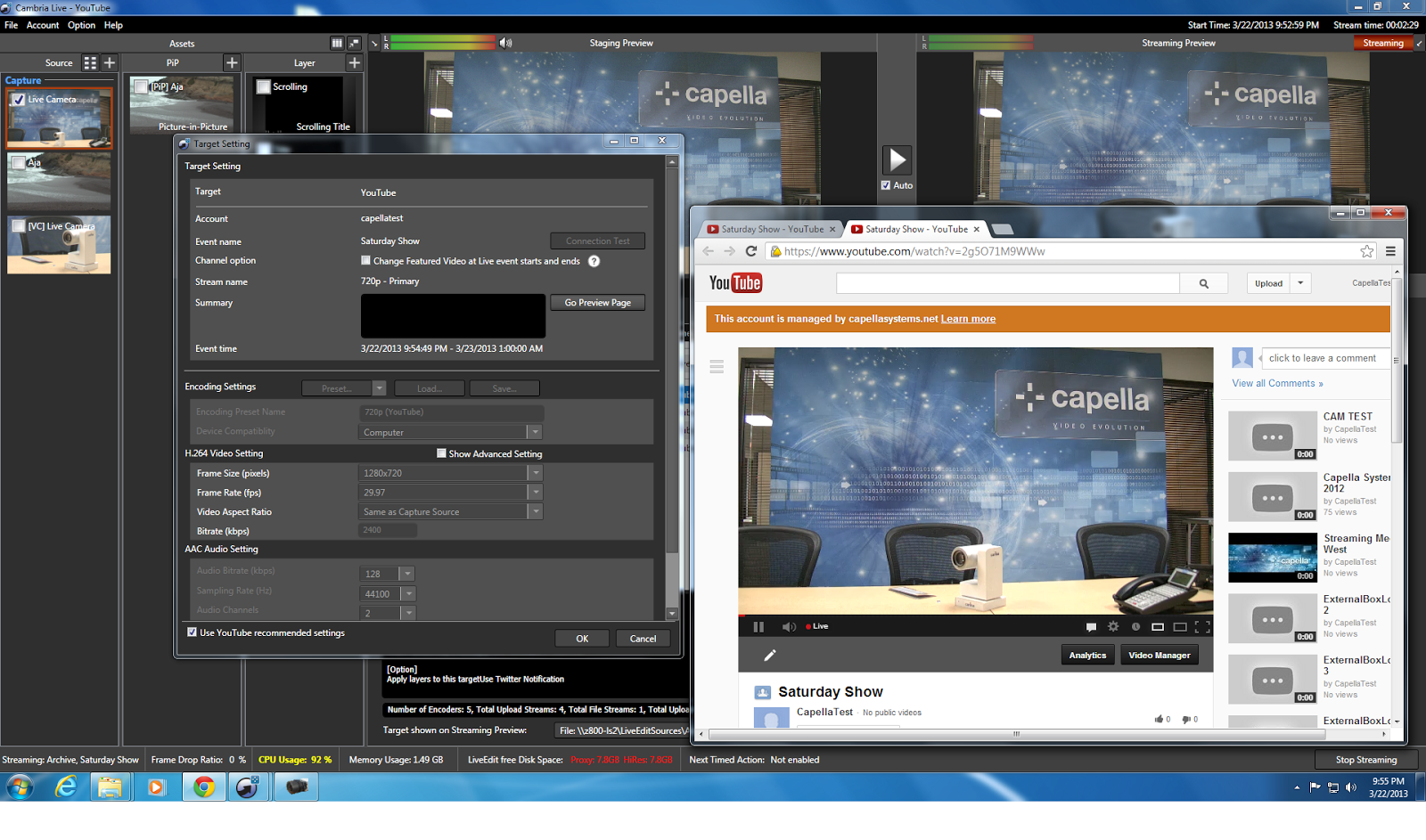
Capella’s Cambria Live
Capella
’s Cambria Live encodes live broadcasts in real time and streams them to YouTube Live. Cambria Live takes uncompressed broadcast video directly from a camera via SDI or HDMI and compresses it into the H.264 format with AAC audio, ensuring optimal video and audio quality.
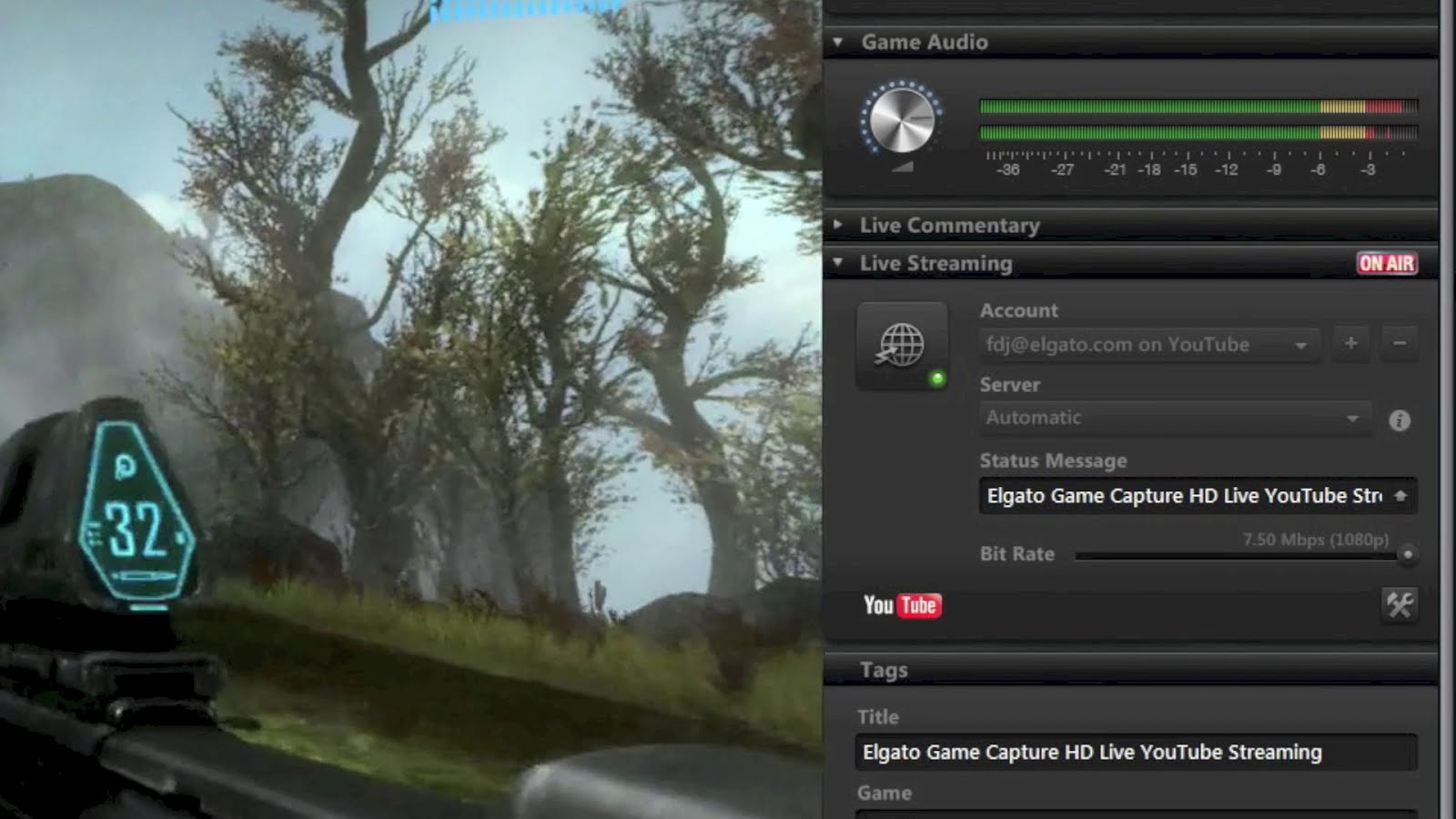
Elgato
Elgato
Game Capture HD enables you to stream PlayStation or Xbox gameplay to share it with your friends and fans as it happens. Elgato’s video products enable high-quality video recording and conversion for consumers and professionals alike.
XSplit
Radioline
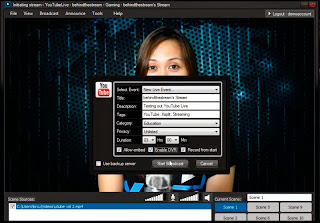
XSplit
is a streaming and video-mixing application that is fun and easy to use. It is widely-used for streaming games.
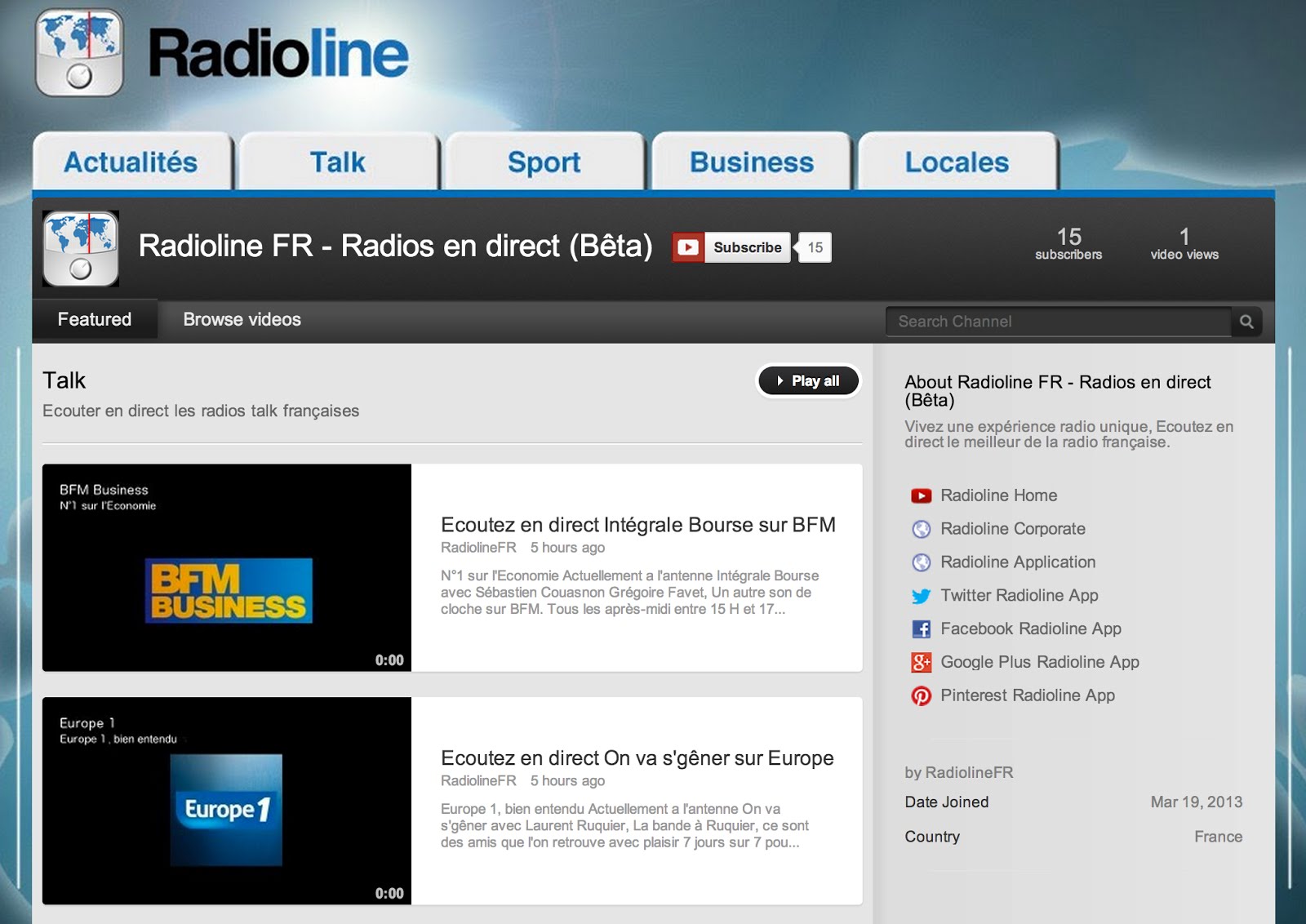
Radioline
designs and operates a cloud-based mobile internet radio. You can find or discover new radio stations according to their names, genres, areas or according to your favorite playlists.
This API is still
experimental
, so stay tuned here and subscribe to the
YouTube for Developers
channel to keep up on the latest.
Cheers,
--
Derek Tan
,
Satyajeet Salgar
, and the YouTube Live Streaming API Team
The Helping Hand of an Expert
Wednesday, April 17, 2013
Have you ever been stuck working on a problem only to receive a solution from a friendly person you've never met? Some of the most helpful responses on
Stack Overflow
and open source code
examples
have been contributed by our YouTube API community members. The Google Developer Expert (
GDE
) program is designed to recognize the active and passionate YouTube API developers who make these outstanding contributions.
Each year, Google Developer Experts are selected for their existing accomplishments using Google technologies, their continued passion for these technologies, and their willingness to engage with and mentor other developers.
To learn more about what it’s like to be a GDE, check out this interview with two of our 2013 YouTube API
GDEs
,
Matias Molinas
from Argentina and
Tim Wintle
from the U.K.
If you’d like to share your knowledge, connect with us on
+YouTubeDev
, contribute to
Stack Overflow
, and find like-minded developers at your local
Google Developer Group (GDG)
.
Cheers,
—Jarek Wilkiewicz and Jeremy Walker, YouTube API Team
YouTube for Developers on... YouTube!
Wednesday, March 13, 2013
For almost a year, we’ve been recording
weekly shows
for YouTube API developers as part of the
Google Developers Live
series, hosted on the
Google Developers
YouTube channel. Now, if you want to get just YouTube API-related videos, check out the new
YouTube for Developers channel
.
On our new channel, you’ll find an up to date
playlist
of all our YouTube Developers Live shows (which we’ve also embedded below), as well as
other playlists
with videos related to the API. We still recommend subscribing to Google Developers as well, especially if you plan to work with multiple Google APIs in your applications.
Not surprisingly, we’re using the YouTube Data API v3 to maintain the YouTube Developers Live playlist, and also to
post channel bulletins
whenever any video related to YouTube is added to the
Google Developers channel
. If you’re interested in doing this type of automatic curation in your own channels, you can take a look at the
open source Ruby script
that does the work for us.
Cheers,
—
Jeff Posnick
,
YouTube API Team
Keeping Up with YouTube API Updates
Wednesday, February 6, 2013
As the
YouTube API
s continue to evolve, release notes are a good place to keep track of improvements.
However, with a busy life, you may not remember checking regularly for updates.
Now, for the first time, you can subscri
be to RSS feeds to be notified as soon as new features are available.
The release notes for all of the YouTube APIs
and widgets
have their own corresponding RSS feed.
Feeds are available for:
YouTube Data API (v3
)
YouTube Analytics API
YouTube Android Player API
YouTube IFrame Player API
YouTube JavaScript Player API
YouTube Flash (AS3) Player API
YouTube Upload Widget
YouTube Data API (v2)
Going forward, we will be pushing updates via RSS for all of the
YouTube API
s. Follow our
YouTube for Developers Google+ page
, and subscribe to the RSS feeds to get the latest API updates!
Cheers,
—
Ibrahim Ulukaya
, YouTube API Team
No WebView required, with native YouTube Player API for Android
Friday, December 21, 2012
Adding a high-quality video experience to your Android application just got a whole lot easier. Starting today, you can embed and play YouTube videos in your app using the new
YouTube Android Player API
.
The API, which was
pre-announced
at Google I/O 2012, offers these benefits:
High-quality video playback supported on Android 2.2 (Froyo) or newer
Easy integration
with your Android application (no
WebView
required)
Fullscreen
and orientation change support
Closed captions
display
Support for YouTube ads
Programmatic access, similar to existing
Player APIs
, to most aspects of the
YouTube video playback experience
Integration with the Android YouTube app using a standard set of YouTube
Intents
We are launching the API as
experimental
, though we do not expect major interface changes going forward.
The Only Limit Now is Your Imagination
(and
ToS
)
These
instructions
explain how to include the
YouTubeAndroidPlayerApi.jar
client library in your Android application. The library is supported on Android devices running version
4.2.16
or newer of the Android YouTube app.
You can use the
YouTubeApiServiceUtil
class'
isYouTubeApiServiceAvailable
method to confirm that a device is compatible.
For a simple embed, use the
YouTubeStandalonePlayer
. To build a more sophisticated user interface, try the
YouTubePlayerView
or the
YouTubePlayerFragment
.
Fragments
can help create an engaging experience as shown in the Video Wall app
example
.
Play With These Apps
Here are a few interesting apps available for you to explore:
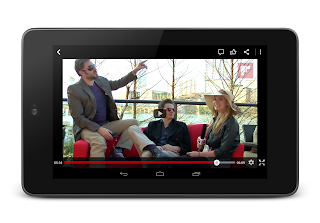
See everything on
Flipboard
, all your news and life’s great moments in one place. Now you can watch YouTube videos from wherever you are in Flipboard without leaving the application, providing a more integrated and seamless experience.
BuzzFeed
delivers original reporting, scoops, and the hottest social content on the web. Android users can now view their favorite BuzzFeed content featuring YouTube videos in the BuzzFeed app and share with their friends.
9x9.tv
enables users to discover and watch curated, topical videos that are organized into TV-like channels. Their
blog
describes their experience developing with the API.
SoundTracking
lets people use their mobile phone or tablet to share their music moments and favorite jams with friends and family. Users can now discover and play YouTube music videos of the songs within their music timeline.
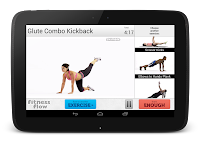
Fitness Flow by
Skimble
helps you get in shape with high-quality exercise videos led by professional trainers. Skimble uses YouTube to stream workout content on your Android phone and tablets.
Check out a few screen shots below or download the apps from
Google Play
today!
Flipboard
BuzzFeed
Fitness Flow by Skimble
Learn More
If you would like to learn more about the YouTube Android Player API, the
documentation
is a great place to start. In addition, we have curated useful videos in this
playlist
. Please subscribe to the
YouTube for Developers'
channel to keep up on the latest.
Check Out The Sample Code
We’ve prepared several code examples to make it easy for you to get started with the new API. You will find them on
code.google.com
. The description of the examples is available in our
documentation
. If you need additional help with the API feel free to use our
support resources
.
Cheers,
-- Ross McIlroy, Anton Hansson, and Horia Ciurdar, YouTube Mobile Team
Labels
.net
acceleration
access control
accessibility
actionscript
activities
activity
android
announcements
apis
app engine
appengine
apps script
as2
as3
atom
authentication
authorization
authsub
best practices
blackops
bootcamp
captions
categories
channels
charts
chrome
chromeless
client library
clientlibraries
clientlogin
code
color
comments
compositing
create
curation
custom player
decommission
default
deprecation
devs
direct
discovery
docs
Documentation RSS
dotnet
education
embed
embedding
events
extension
feeds
flash
format
friendactivity
friends
fun
gears
google developers live
google group
googlegamedev
googleio
html5
https
iframe
insight
io12
io2011
ios
iphone
irc
issue tracker
java
javascript
json
json-c
jsonc
knight
legacy
Live Streaming API
LiveBroadcasts API
logo
mashups
media:keywords keywords tags metadata
metadata
mobile
mozilla
news
oauth
oauth2
office hours
open source
partial
partial response
partial update
partners
patch
php
player
playlists
policy
previews
pubsubhubbub
push
python
quota
rails
releases
rendering
reports
responses
resumable
ruby
samples
sandbox
shortform
ssl https certificate staging stage
stack overflow
stage video
staging
standard feeds
storify
storyful
subscription
sup
survey
tdd
theme
tos
tutorials
updates
uploads
v2
v3
video
voting
watch history
watchlater
webvtt
youtube
youtube api
youtube developers live
youtube direct
ytd
Archive
2015
December
Chat it up, streamers! New Live Chat, Fan Funding ...
November
October
May
April
March
January
2014
October
September
August
May
March
2013
December
October
September
August
July
June
May
April
March
February
2012
December
November
September
August
July
June
May
April
March
February
January
2011
December
October
September
August
July
June
May
April
March
February
January
2010
December
November
October
September
July
June
May
April
March
February
January
2009
November
October
September
August
July
June
May
April
March
February
January
2008
December
November
October
September
August
July
June
May
April
March
February
2007
December
November
August
June
May
Feed
YouTube
on
Follow @youtubedev